 WP Maintenance Agency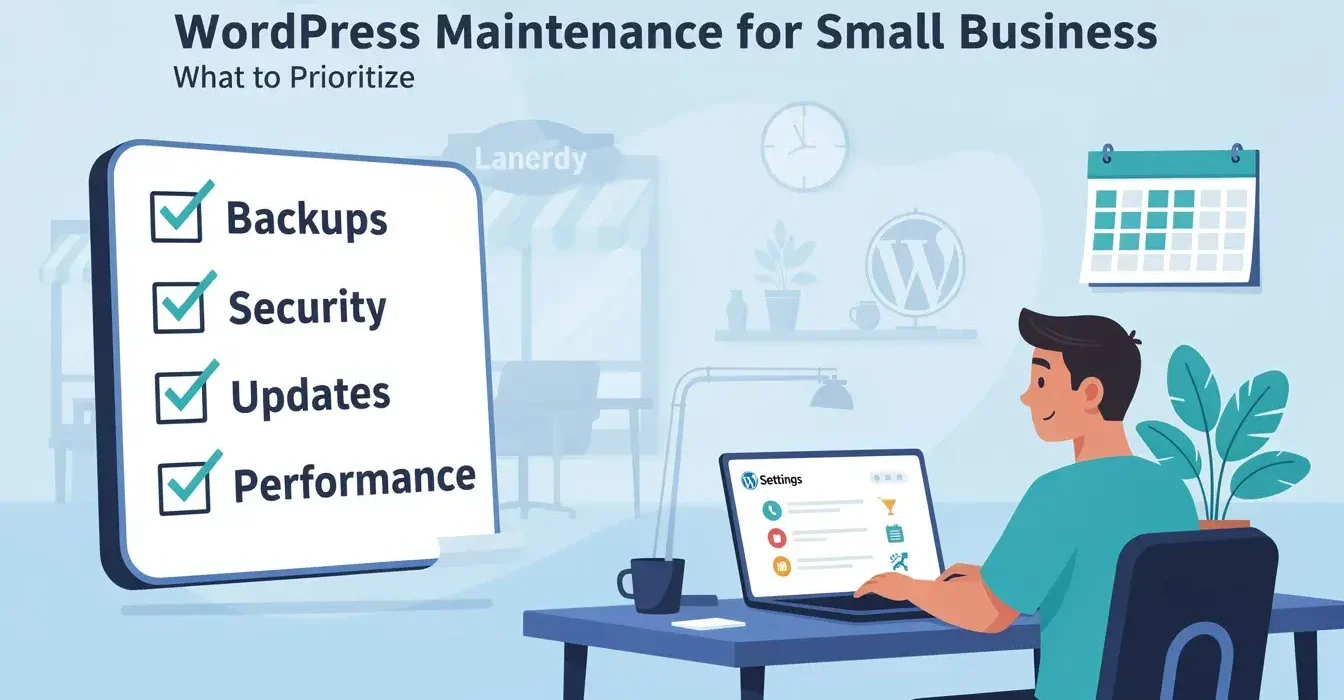
WordPress powers roughly 43% of all websites, and small businesses make up a significant share of that number. Yet most small business owners treat their WordPress site like something they set up once and never touch again. WordPress maintenance for small business is where neglect hits hardest: no IT department to catch problems, no developer on retainer to respond, and a site that quietly accumulates security holes until something breaks.
The cost of that neglect is concrete. 43% of cyberattacks target small businesses, and the average recovery cost per incident hits $14,500. Compare that to $100-$250/month for professional maintenance. The math is not close.
Small businesses lose more from site failures than large companies do
A large company’s website goes down for a day and the PR team sends a tweet. A small business site goes down for a day and leads stop, phone calls stop, and revenue stops. There is no backup channel absorbing the impact.
The disparity goes beyond lost revenue. Large companies have IT teams monitoring for breaches around the clock. Small businesses often discover a hack weeks later, after Google has flagged the site with a security warning and organic traffic has dropped 60-80%. By then, the damage compounds: lost rankings, lost customer trust, and a cleanup bill that dwarfs what prevention would have cost.
In 2025, 11,334 new WordPress vulnerabilities were recorded. That is a 42% increase from the prior year. 91% of those vulnerabilities were in plugins, and the median time from a vulnerability being publicly disclosed to mass exploitation was 5 hours. Not days. Hours.
For a small business without monitoring or a rapid update process, those 5 hours pass completely unnoticed.
What does WordPress maintenance for small business actually include?
The work breaks down into four categories, each running on a different schedule:
| Category | Tasks | Frequency |
|---|---|---|
| Updates | WordPress core, plugins, themes, PHP compatibility checks | Weekly |
| Backups | Full-site snapshots (database + files), offsite storage, restoration testing | Daily backups, quarterly restore tests |
| Security | Vulnerability scanning, firewall rules, login protection, file integrity monitoring | Daily scans, real-time firewall |
| Performance | Database cleanup, image optimization, caching, Core Web Vitals checks | Monthly |
The weekly update cycle is non-negotiable. Waiting a month to run updates means 30 days of exposure to any vulnerability disclosed in that window. With plugins accounting for 91% of WordPress vulnerabilities, a site running 15-20 plugins (typical for a small business) has 15-20 potential entry points for attackers at any given time.
Professional providers take a full-site snapshot before every update batch, apply changes to the live site, monitor for visual or functional issues, and roll back in under 60 seconds if anything breaks. That is fundamentally different from clicking “Update All” in wp-admin and hoping nothing goes wrong.
The maintenance tasks that matter most on a tight budget
When budgeting WordPress maintenance for small business, not every task carries equal weight. If money is tight, prioritize in this order:
1. Plugin and theme updates (weekly)
This single task eliminates the number one attack vector for WordPress sites. It takes 15-30 minutes if you do it yourself, and it is included in every professional plan. The WordPress maintenance checklist breaks the full update workflow into a step-by-step monthly process you can follow.
2. Automated daily backups stored offsite
Your hosting provider’s backup alone is not enough. If the server fails, your host’s backup may fail with it. Offsite backups stored on a separate service ensure you can recover from any failure scenario, including a compromised hosting account.
3. Security scanning
A plugin like Wordfence provides free vulnerability scanning and firewall protection. At minimum, install and activate this on every WordPress site you run. Professional maintenance adds human review of scan results and active response to detected threats.
4. Uptime monitoring
Free tools like UptimeRobot check your site every 5 minutes and alert you when it goes down. Without monitoring, your site could be offline for hours before anyone notices. Every hour of undetected downtime is an hour of lost leads and lost credibility.
How much should a small business budget for WordPress maintenance?
The right amount depends on what your site does for your business:
| Site Type | Monthly Budget | What You Get |
|---|---|---|
| Brochure site (under 10 pages, no forms) | $50-$75 | Automated updates, weekly backups, basic monitoring |
| Lead generation site (contact forms, landing pages) | $100-$175 | Monitored updates with rollback, daily backups, security scanning, monthly reports |
| Ecommerce or membership site | $200-$400 | All of the above plus visual regression monitoring, faster response, included dev hours |
For most small businesses running a lead generation site, the $100-$175 range covers the essentials without overpaying for enterprise features you will never use.
The better question is what incidents cost without maintenance. A single malware infection averages $400 in cleanup fees, plus 2-6 weeks of SEO ranking recovery. A complete site loss without backups runs $2,000-$10,000 to rebuild. One year of professional maintenance costs less than one moderate incident. For a full pricing breakdown across the market, see what WordPress maintenance costs in 2026.
DIY maintenance vs. hiring a professional
Both approaches work. The choice comes down to your time, technical comfort, and ability to stay consistent week after week.
| Factor | DIY | Professional |
|---|---|---|
| Monthly cost | $0 (your time only) | $100-$250 |
| Time required | 2-4 hours/month | 0 (fully managed) |
| Update safety | Manual snapshots if you remember | Pre-update snapshots with instant rollback |
| Emergency response | You troubleshoot it yourself | Assigned engineer responds quickly |
| Monitoring | Free tools, you review alerts | 24/7 monitoring with human oversight |
| Consistency | Depends entirely on your discipline | Fixed weekly schedule, no gaps |
DIY maintenance is viable for technically comfortable owners who will commit to a weekly schedule without exceptions. The catch: most small business owners maintain their site diligently for 2-3 months, then client work or daily operations take priority, updates get skipped, and the site drifts into vulnerability territory.
If you have been through that cycle before, professional maintenance pays for itself by removing the consistency problem entirely. Why WordPress maintenance matters walks through the specific failure modes that hit unmaintained sites between months 3 and 12.
How do you pick a maintenance provider without overpaying?
Small business budgets have no room for bloated enterprise packages. Here is what to prioritize and what to skip:
Worth paying for:
- Pre-update snapshots with instant rollback (not just automated updates)
- Daily offsite backups with verified restore capability
- Security scanning with human review of results
- A named contact who knows your site, not a rotating support queue
- Monthly reports showing exactly what was done and what was found
Skip these at the small business level:
- A dedicated Slack or phone support channel (email response is sufficient for most issues)
- Bundled development hours (pay for dev work separately when you actually need it)
- Uptime SLAs with financial credits (enterprise features priced accordingly)
- Weekly strategy calls (you need maintenance, not ongoing consulting)
Ask one critical question before signing with any provider: “What happens when an update breaks my site?” The answer should include pre-update snapshots and the ability to roll back in seconds. Any provider that applies updates without rollback capability is gambling with your site every single week.
Your first 30 days of proper WordPress maintenance
Whether you go DIY or hire a provider, here is what a solid first month looks like:
Week 1: Baseline audit
- Run a full security scan with Wordfence or Sucuri SiteCheck
- Document every installed plugin and theme with current version numbers
- Verify you have a working backup by testing a restore
- Check your PHP version against current WordPress requirements
Week 2: Update everything
- Update WordPress core to the latest version
- Update all plugins one at a time, checking site functionality after each
- Update your theme
- Remove any plugins or themes not actively in use (deactivated plugins are still attackable)
Week 3: Set up monitoring
- Configure uptime monitoring (UptimeRobot offers free monitoring for up to 50 sites)
- Set up automated daily backups to an offsite location
- Enable a web application firewall through Wordfence or your hosting provider
- Review user accounts and remove any unused admin-level access
Week 4: Lock in your schedule
- Set a recurring weekly calendar reminder for updates (or confirm your provider handles this)
- Schedule monthly database optimization
- Document your full process so it survives staff changes or busy weeks
After 30 days, your site has a working safety net. The next step is keeping that system running every single week without gaps. That consistency is what makes WordPress maintenance for small business actually work, and it is what separates sites that run for years without incidents from sites that end up needing emergency WordPress help after months of deferred updates.
Frequently Asked Questions
Most small businesses pay $100-$250 per month for professional WordPress maintenance. This typically covers weekly monitored updates with rollback, daily backups, security scanning, uptime monitoring, and monthly reporting. Budget plans at $50-$99 per month exist but skip critical protections like pre-update snapshots and human review of update results.
Yes, if you commit to doing it every week without exception. You need the discipline to run updates weekly, verify backups monthly, and monitor security alerts daily. Most small business owners start strong but fall behind within 2-3 months when business operations take priority. If consistency is the concern, professional maintenance removes that risk for roughly the cost of one freelance developer hour per week.
Keeping plugins updated. 91% of WordPress vulnerabilities come from plugins, and the median time from vulnerability disclosure to mass exploitation is 5 hours. A single unpatched plugin can give attackers access to your entire site, customer data, and email system. Weekly plugin updates with pre-update snapshots are the highest-impact maintenance task.
Need maintenance that fits a small business budget?
Plans start with the essentials and scale as your site grows. No contracts, no surprises.