 WP Maintenance Agency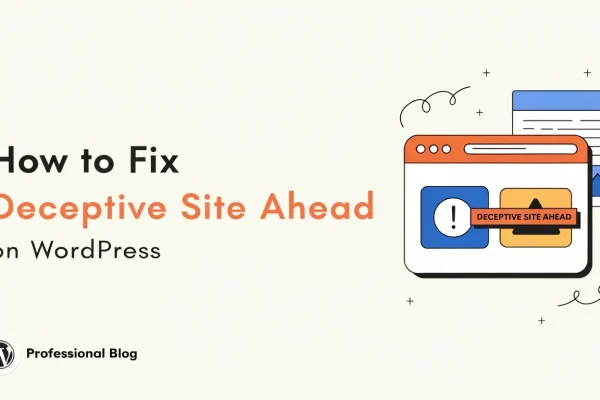
How to Fix the Deceptive Site Ahead Warning on WordPress
The Deceptive Site Ahead warning means Google Safe Browsing found phishing or other social engineering content on your WordPress site,...
Read moreProactive security is part of every maintenance plan. This page explains what we do to keep your site locked down and what happens if something gets through.
Get a Security AuditWordPress powers 43% of the web, which makes it the biggest target for automated attacks. Security maintenance closes vulnerabilities before attackers find them and detects intrusions early when prevention fails.
The WordPress plugin ecosystem averages 30-50 new CVEs per month. Without active monitoring and patching, your site accumulates exploitable holes that automated scanners will find.
Bots hammer WordPress login pages constantly. WordPress security maintenance includes rate limiting, two-factor enforcement, and login monitoring that stops credential stuffing before it succeeds.
Cleaning a hacked site costs $200-$600. Preventing the hack costs a fraction of that monthly. Security maintenance is insurance that actually reduces your risk.
Automated scans check your plugins, themes, and core against known CVE databases. We prioritize rapid patching when vulnerabilities are disclosed.
Application-level firewall rules tuned to your site. We block attack patterns without breaking legitimate traffic.
Two-factor enforcement, brute-force protection, admin URL changes, and role-based access review.
We track changes to core files, plugin files, and theme files. Unauthorized modifications trigger immediate alerts.
If something gets through despite hardening, we respond within 2 hours during business hours. Malware cleanup is priced as a separate project so your monthly fee stays predictable.
We scan your site for existing vulnerabilities, weak configurations, outdated software, and signs of prior compromise. You get a written report.
Firewall rules, login protection, file permissions, and security headers configured based on audit findings. This happens within the first week.
Daily vulnerability scans, file integrity checks, and login attempt monitoring. Alerts go to your assigned engineer who investigates during business hours.
If something gets through despite hardening, we respond within 2 hours during business hours. Malware cleanup is scoped and quoted separately to keep your monthly cost predictable.
Monitoring and hardening are included in all maintenance plans. Active malware cleanup (if your site is breached) is a separate project-priced service, typically $200-$600. This keeps your monthly cost predictable.
We use a layered approach: vulnerability scanning to catch known CVEs before they are exploited, a web application firewall to block attack patterns, and file integrity monitoring to detect unauthorized changes. The specific tools we deploy depend on your hosting environment and existing setup.
We monitor CVE feeds and WordPress security advisories daily. When a critical vulnerability is disclosed, we prioritize patching affected client sites as quickly as possible, typically within 24 hours.
Deep dives, how-tos, and practical advice from our team.
The Deceptive Site Ahead warning means Google Safe Browsing found phishing or other social engineering content on your WordPress site,...
Read more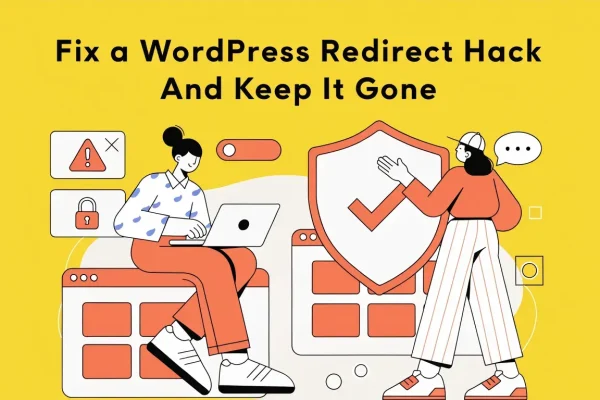
To fix a WordPress redirect hack, check siteurl and home in wp_options, search the database and filesystem for injected JavaScript...
Read more
A WordPress security audit is a repeatable 12-check review of what is installed, who can log in, whether core and...
Read moreThe free audit includes a security review: outdated plugins, weak configurations, and known vulnerabilities. You get the report whether you sign on or not.